GUIDE LIST
| Sort : | Guide Title | Published | Options |
|---|---|---|---|
| Filter : |
PRINT PLAYBOOK GUIDE - FILE SETUP & DESIGN
Part of Series: File Setup
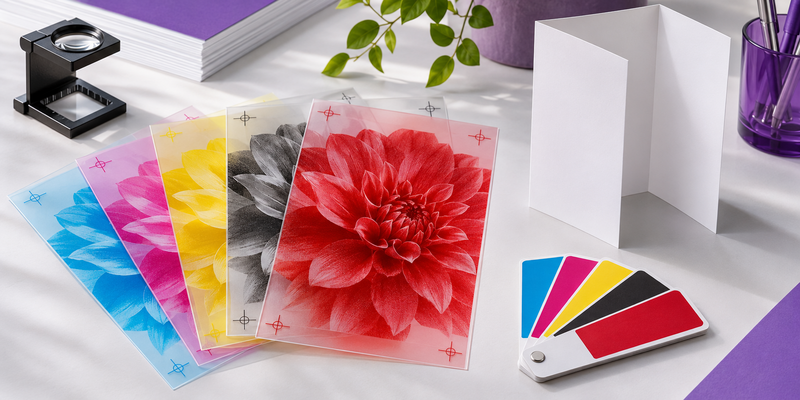
How to Prepare Print Files for Spot Color Printing
Spot-color printing requires accurate ink definitions, consistent swatch names, and preserved PDF separations. Learn how to set up Pantone artwork, combine spot inks with CMYK, check overprints, and inspect the exported file.
 ND4C Print Experts
PRINT PLAYBOOK GUIDE - FILE SETUP & DESIGN
Part of Series: File Setup
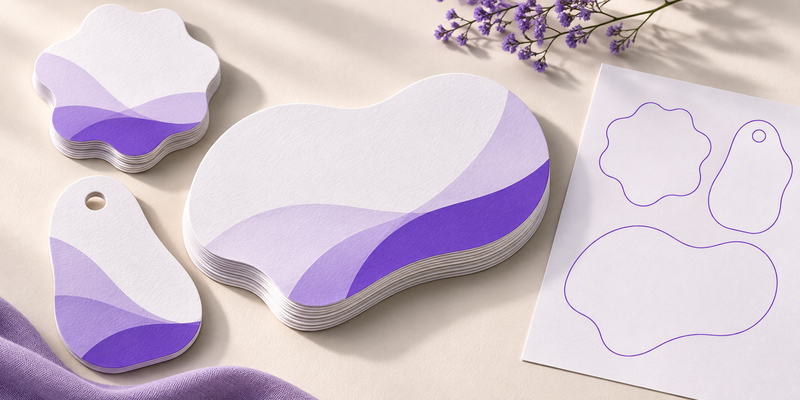
How to Prepare Files for Die Cutting
Learn how to prepare artwork for custom die-cut printing, including vector cutting paths, irregular-shaped bleed, safe margins, scoring, perforations, PDF setup, and common file mistakes.
ND4C Print Experts
PRINT PLAYBOOK GUIDE - FILE SETUP & DESIGN
Part of Series: File Setup
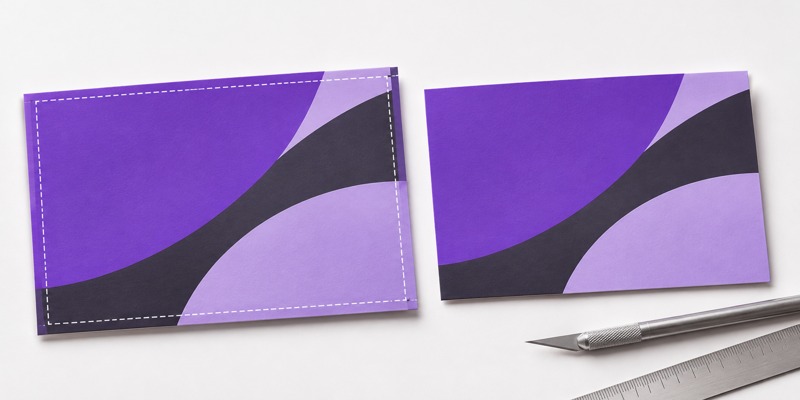
Bleed Explained: What It Is and How to Set It Up for Printing
Bleed is the extra artwork extending beyond a printed product’s final trim edge. Learn why commercial printers require it, how to calculate bleed dimensions, and how to prepare print-ready files using printer-provided templates.
ND4C Print Experts
PRINT PLAYBOOK GUIDE - FILE SETUP & DESIGN
Part of Series: File Setup
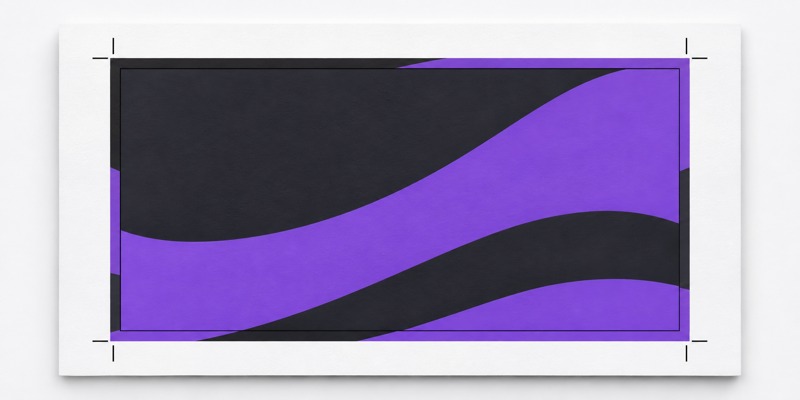
Trim Marks Explained: What They Are and When to Use Them
Trim marks identify where printed artwork should be cut to its finished size. Learn how crop marks work, how they differ from bleed, and when to include or omit them in commercial print files.
ND4C Print Experts
PRINT PLAYBOOK GUIDE - FILE SETUP & DESIGN
Part of Series: File Setup
Safe Area Explained: How to Keep Text and Logos Away From Trim
The safe area protects important text, logos, and graphics from trimming and finishing variation. Learn how safe margins differ from bleed, how to position essential content, and why product-specific artwork templates matter.
ND4C Print Experts