GUIDE LIST
| Sort : | Guide Title | Published | Options |
|---|---|---|---|
| Filter : |
PRINT PLAYBOOK GUIDE - FILE SETUP & DESIGN
Part of Series: File Setup
CMYK vs RGB for Printing: What's the Difference?
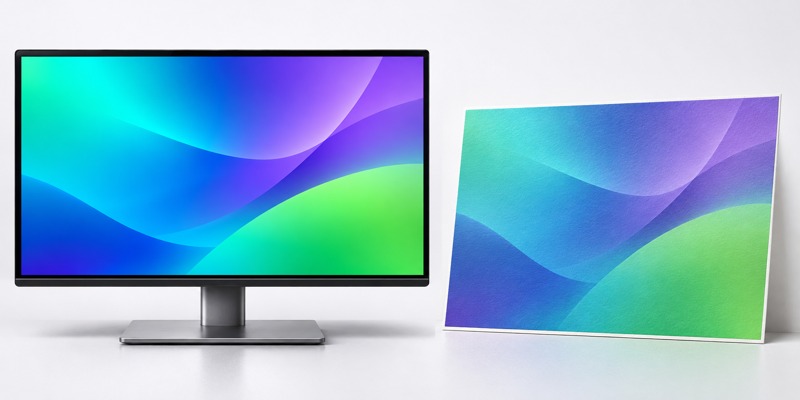
RGB and CMYK reproduce color differently, affecting how artwork appears on screens and in print. Learn why colors shift during conversion, how ICC profiles work, and how to prepare CMYK files for ND4C wholesale printing.
 ND4C Print Experts
PRINT PLAYBOOK GUIDE - FILE SETUP & DESIGN
Part of Series: File Setup
300 DPI Explained: What It Means for Print Quality
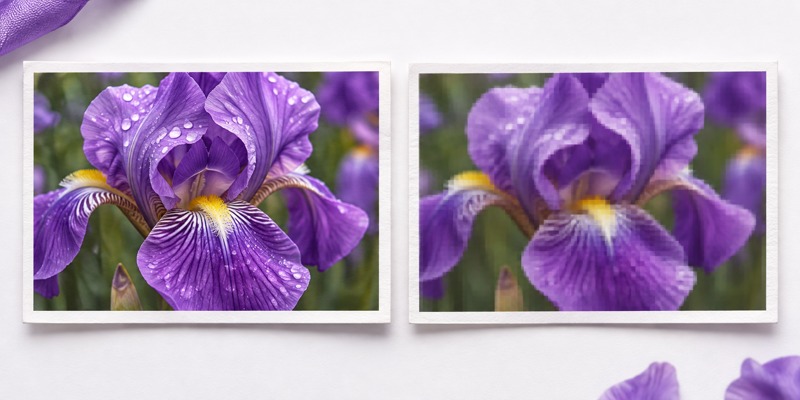
300 DPI is a common printing standard, but image quality depends on effective resolution at the final printed size. Learn DPI versus PPI, pixel calculations, and when higher or lower resolution makes sense.
ND4C Print Experts
PRINT PLAYBOOK GUIDE - FILE SETUP & DESIGN
Part of Series: File Setup
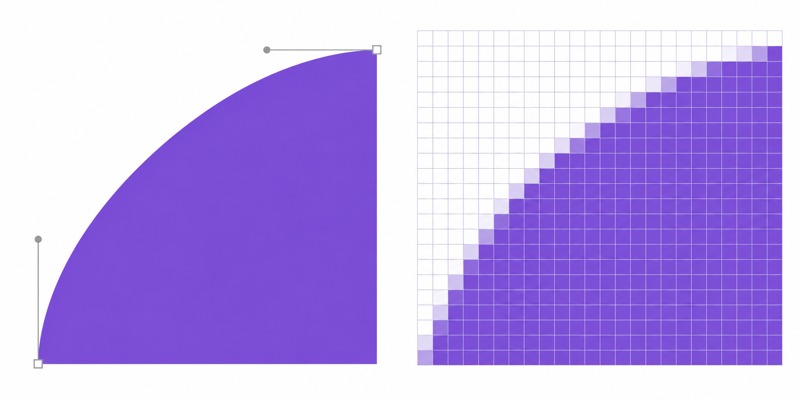
Vector vs Raster Graphics: What's Best for Printing?
Vector and raster graphics serve different purposes in commercial printing. Learn how each format works, which is best for logos, text, illustrations, and photographs, and how to preserve print quality when preparing artwork.
ND4C Print Experts
PRINT PLAYBOOK GUIDE - FILE SETUP & DESIGN
Part of Series: File Setup
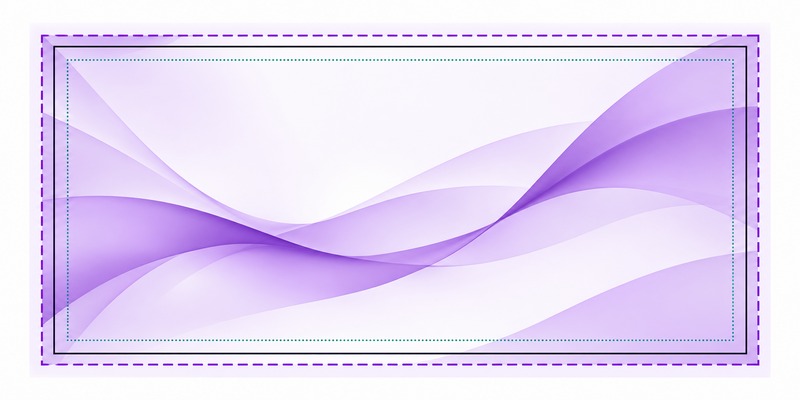
PDF Print File Requirements: What Makes a PDF Print-Ready?
Learn the technical requirements for commercial printing PDFs, including page dimensions, bleed, PDF page boxes, outlined fonts, image resolution, color settings, transparency, and file verification.
ND4C Print Experts
PRINT PLAYBOOK GUIDE - FILE SETUP & DESIGN
Part of Series: File Setup
How to Prepare Files for Commercial Printing
Learn the complete process for preparing commercial print files, including document setup, bleed, safe margins, image resolution, CMYK colors, fonts, PDF export, and final preflight checks.
ND4C Print Experts