PRINT PLAYBOOK SERIES 04
File Setup
Prepare print-ready artwork with practical guidance on bleed, resolution, color modes, file formats, and common setup mistakes.
 ND4C Print Experts
PRINT PLAYBOOK GUIDE - FILE SETUP & DESIGN
Issue: 1
Bleed Explained: What It Is and How to Set It Up for Printing
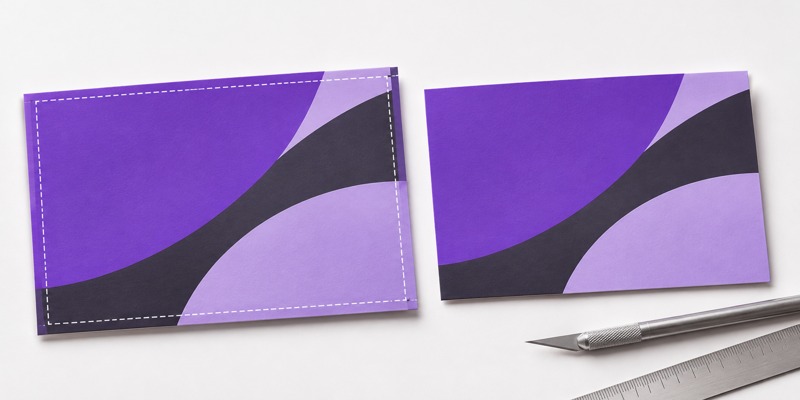
Bleed is the extra artwork extending beyond a printed product’s final trim edge. Learn why commercial printers require it, how to calculate bleed dimensions, and how to prepare print-ready files using printer-provided templates.
ND4C Print Experts
PRINT PLAYBOOK GUIDE - FILE SETUP & DESIGN
Issue: 2
Trim Marks Explained: What They Are and When to Use Them
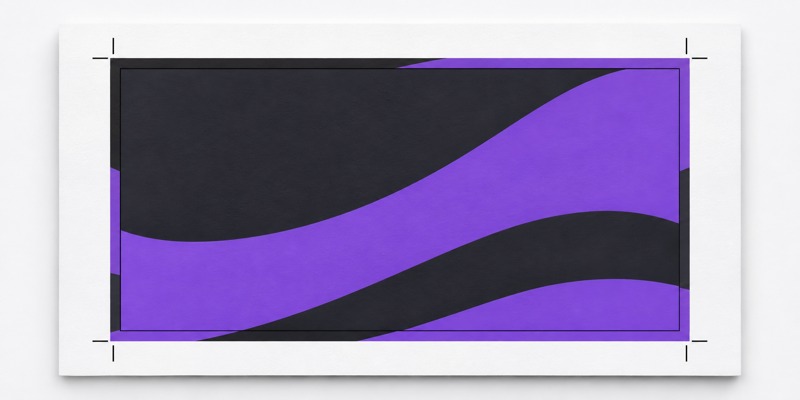
Trim marks identify where printed artwork should be cut to its finished size. Learn how crop marks work, how they differ from bleed, and when to include or omit them in commercial print files.
ND4C Print Experts
PRINT PLAYBOOK GUIDE - FILE SETUP & DESIGN
Issue: 3
Safe Area Explained: How to Keep Text and Logos Away From Trim
The safe area protects important text, logos, and graphics from trimming and finishing variation. Learn how safe margins differ from bleed, how to position essential content, and why product-specific artwork templates matter.
ND4C Print Experts
PRINT PLAYBOOK GUIDE - FILE SETUP & DESIGN
Issue: 4
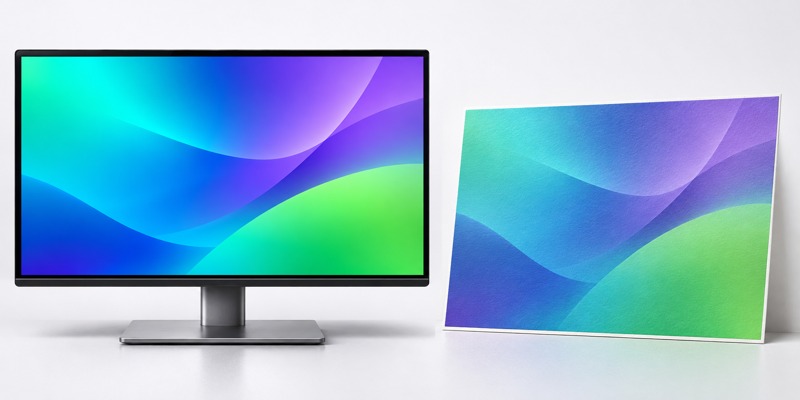
CMYK vs RGB for Printing: What's the Difference?
RGB and CMYK reproduce color differently, affecting how artwork appears on screens and in print. Learn why colors shift during conversion, how ICC profiles work, and how to prepare CMYK files for ND4C wholesale printing.
ND4C Print Experts
PRINT PLAYBOOK GUIDE - FILE SETUP & DESIGN
Issue: 5
300 DPI Explained: What It Means for Print Quality
300 DPI is a common printing standard, but image quality depends on effective resolution at the final printed size. Learn DPI versus PPI, pixel calculations, and when higher or lower resolution makes sense.
ND4C Print Experts

PRINT PLAYBOOK GUIDE - FILE SETUP & DESIGN
Issue: 6
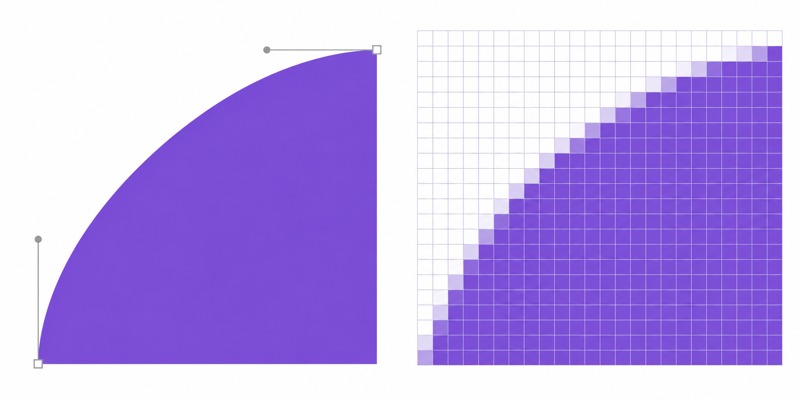
Vector vs Raster Graphics: What's Best for Printing?
Vector and raster graphics serve different purposes in commercial printing. Learn how each format works, which is best for logos, text, illustrations, and photographs, and how to preserve print quality when preparing artwork.
ND4C Print Experts
PRINT PLAYBOOK GUIDE - FILE SETUP & DESIGN
Issue: 7
PDF Print File Requirements: What Makes a PDF Print-Ready?
Learn the technical requirements for commercial printing PDFs, including page dimensions, bleed, PDF page boxes, outlined fonts, image resolution, color settings, transparency, and file verification.
ND4C Print Experts

PRINT PLAYBOOK GUIDE - FILE SETUP & DESIGN
Issue: 8
How to Prepare Files for Commercial Printing
Learn the complete process for preparing commercial print files, including document setup, bleed, safe margins, image resolution, CMYK colors, fonts, PDF export, and final preflight checks.
ND4C Print Experts
PRINT PLAYBOOK GUIDE - FILE SETUP & DESIGN
Issue: 9
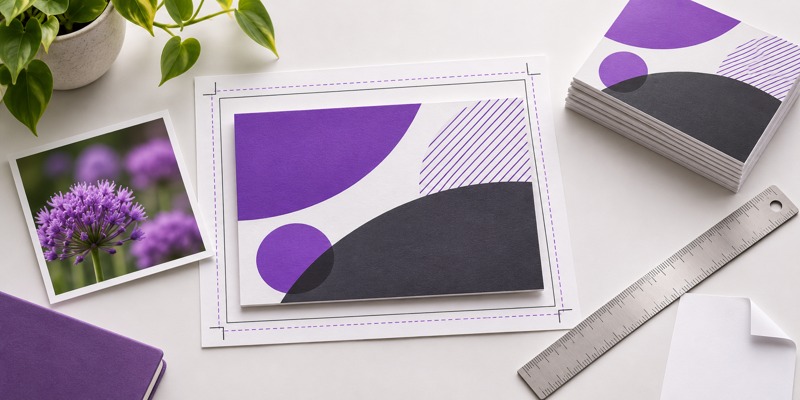
Rich Black vs Standard Black in Printing
Standard black uses only the K channel, while rich black combines multiple CMYK inks for a deeper appearance. Learn when to use each, why registration matters, and ND4C's recommended rich-black formula.
ND4C Print Experts
PRINT PLAYBOOK GUIDE - FILE SETUP & DESIGN
Issue: 10
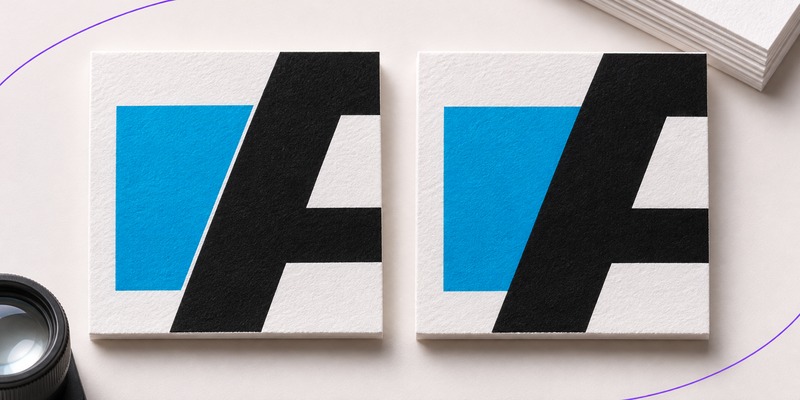
Overprint Explained: How It Works in Commercial Printing
Overprint allows one ink to print over another without removing the underlying color. Learn when overprint is useful, how it differs from knockout and trapping, and how to prevent disappearing artwork, unexpected color changes, and PDF production errors.
ND4C Print Experts
PRINT PLAYBOOK GUIDE - FILE SETUP & DESIGN
Issue: 11
Transparency in Print Files
Learn how live transparency, flattening, blending modes, and drop shadows affect commercial printing, and how to prevent stitching artifacts, color changes, and unnecessary rasterization.
ND4C Print Experts
PRINT PLAYBOOK GUIDE - FILE SETUP & DESIGN
Issue: 12
Fonts and Outlining Text for Printing
Should you outline fonts before printing? Learn how embedded fonts and vector outlines work, how to avoid font substitution, and how to prepare reliable print-ready PDFs.
ND4C Print Experts

PRINT PLAYBOOK GUIDE - FILE SETUP & DESIGN
Issue: 13
Image Resolution for Printing
Learn how pixel dimensions, image scaling, and effective PPI affect print quality. Calculate the resolution needed at final size, identify low-resolution artwork, and check images before submitting print-ready PDFs.
ND4C Print Experts

PRINT PLAYBOOK GUIDE - FILE SETUP & DESIGN
Issue: 14
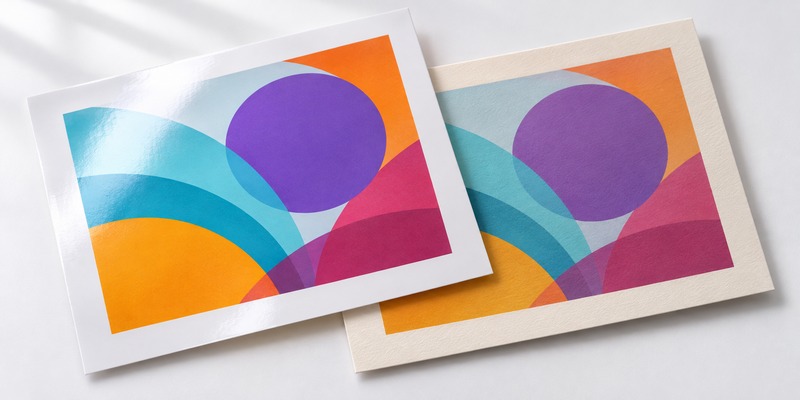
Color Matching for Print: How to Get More Consistent Results
Printed colors can vary from screen previews and between paper stocks, finishes, and production methods. Learn how color management, CMYK, spot inks, and proofing improve consistency in commercial printing—and how to establish realistic expectations for color-critical projects.
ND4C Print Experts
PRINT PLAYBOOK GUIDE - FILE SETUP & DESIGN
Issue: 15
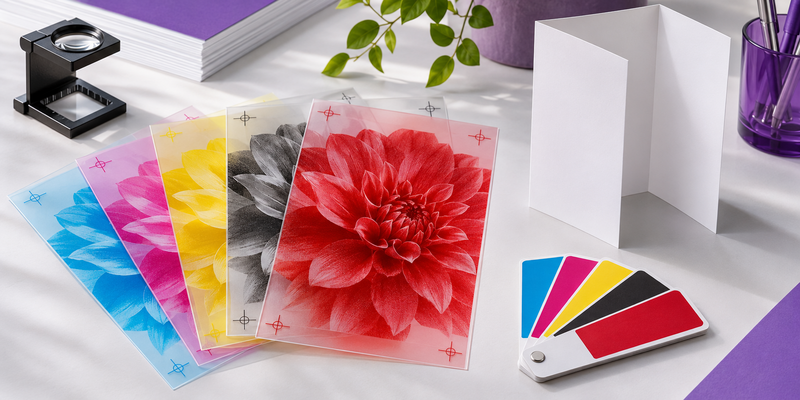
How to Prepare Print Files for Spot Color Printing
Spot-color printing requires accurate ink definitions, consistent swatch names, and preserved PDF separations. Learn how to set up Pantone artwork, combine spot inks with CMYK, check overprints, and inspect the exported file.
ND4C Print Experts
PRINT PLAYBOOK GUIDE - FILE SETUP & DESIGN
Issue: 16
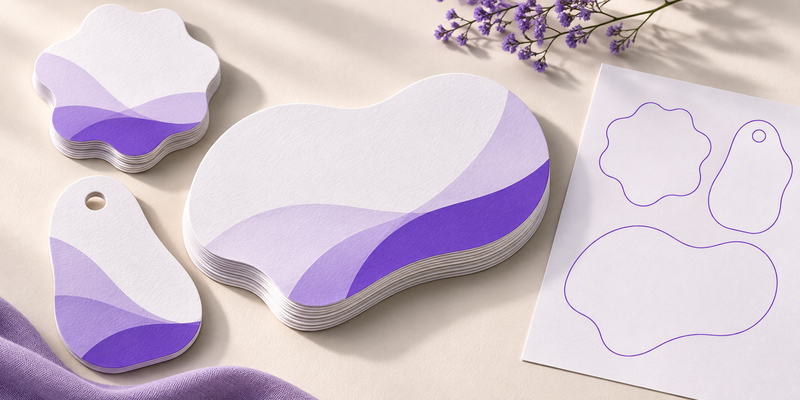
How to Prepare Files for Die Cutting
Learn how to prepare artwork for custom die-cut printing, including vector cutting paths, irregular-shaped bleed, safe margins, scoring, perforations, PDF setup, and common file mistakes.
ND4C Print Experts
PRINT PLAYBOOK GUIDE - FILE SETUP & DESIGN
Issue: 17
How to Set Up Files for Folding
Learn how to prepare print-ready artwork for half-fold, tri-fold, Z-fold, and gatefold brochures. Covers panel dimensions, inside and outside layouts, scoring, bleed, safe areas, paper thickness, and common file setup mistakes.
ND4C Print Experts

PRINT PLAYBOOK GUIDE - FILE SETUP & DESIGN
Issue: 18
Print File Preflight Checklist for Commercial Printing
A practical 10-category print file preflight checklist covering dimensions, bleed, resolution, color, fonts, graphics, finishing, PDF export, and final artwork approval.
ND4C Print Experts